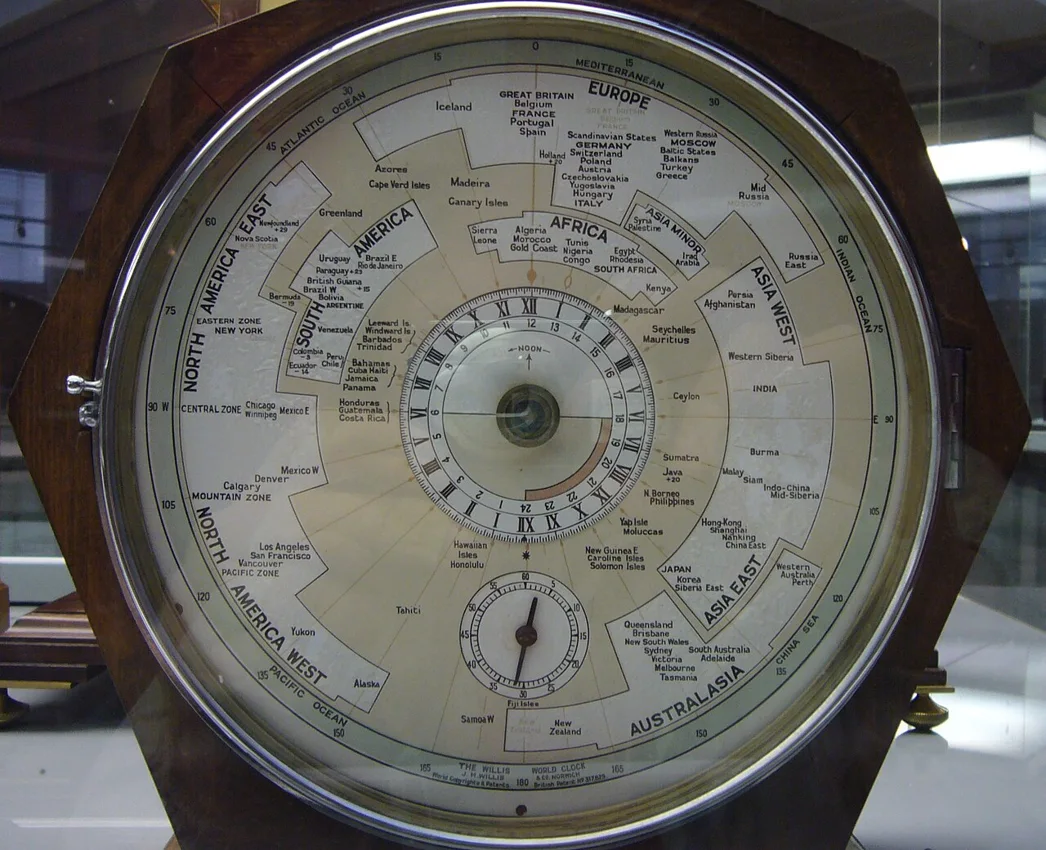
A calendar event is supposed to remove ambiguity, yet “Monday at nine” can create a disagreement before anyone imports the file. Nine in which place, on which date, under which clock rules? An ICS attachment cannot correct a time that was interpreted incorrectly before it was generated.
For a one-off event, an explicit UTC start and end provide a clear reference instant. Recipients can then view that instant in their configured calendar timezone. The important work is converting the intended local appointment correctly and verifying the imported result, rather than treating the file extension as a guarantee.
Write down the intended appointment first
Record the local date, local start and end, and the relevant city or named timezone. Do this before opening the generator. A phrase such as “the studio’s local time” can be sufficient in conversation but is a poor basis for an export if the studio and the organizer use different clocks.
Use the offset applicable to that date. IANA’s Time Zone Database description explains that local-time rules and UTC offsets can change and that software receives updates to those rules. A remembered offset from a summer appointment is not a reliable conversion for a winter appointment. Some places also change rules through political decisions.
Handyfold does not ask for a city and perform that conversion for you. Its fields are explicitly UTC. Obtain the date-specific conversion from a reliable, current calendar or timezone source, then enter the resulting UTC date and time. If a local time is ambiguous or does not exist during a clock transition, resolve that with the organizer rather than guessing.
Follow an example across a date boundary
Suppose an illustrative location uses UTC plus eight hours on the event date. A local appointment at 09:00 on October 26 corresponds to 01:00 UTC on October 26. Subtracting the offset changes the hour but not the date in this case. For an appointment at 01:00 local time, however, the corresponding UTC time is 17:00 on October 25.
The date change is easy to miss if you perform only mental clock arithmetic. Write the complete timestamp on both sides. Check the end separately, especially for an event spanning midnight or a clock-rule change. These examples assume a stated fixed offset; they are not a claim that every place associated with a familiar abbreviation always uses that offset.
When the appointment has a clear duration, compare that duration with the interval between the proposed UTC start and end. A meeting intended to last one hour should not unexpectedly become thirteen hours because one field was entered using a local clock and the other using UTC.
What the Z in the file tells you
RFC 5545 defines iCalendar representations, including UTC date-times with a trailing Z and other ways of representing local or timezone-associated times. These alternatives have distinct semantics. A bare local clock value is not interchangeable with the same digits followed by Z.
Open Calendar event file and load the example. Its start is October 26, 2026 at 14:00 UTC and its end is 15:00 UTC. The downloaded file should contain DTSTART:20261026T140000Z and DTEND:20261026T150000Z. Those fields identify the intended one-hour interval in UTC, regardless of the computer’s display timezone.
The interface uses a date-and-time input without converting it from your device’s local timezone. Its UTC labels are therefore essential instructions, not decoration. Entering 14:00 because that is what you want to see on your local clock can schedule a different instant from the one you intended.
Import a test before sharing
Download the file and import it into a calendar where you can inspect the result without confusing it with an existing appointment. Verify the displayed day, start, end, title and location. Check which timezone the calendar is currently using; a correctly converted event can appear surprising if the application is displaying a travel timezone.
For a multi-location meeting, compare the same imported event in the relevant timezone views if your application supports them. Keep the original UTC reference alongside that check. You are verifying that different clocks represent one instant, not trying to make every recipient see the same hour numeral.
Handyfold creates a single event. It does not send invitations, manage attendees, configure recurrence or add alerts. Import behavior belongs to the receiving calendar. A downloaded ICS file is not evidence that anyone received or accepted an appointment, and downloading a revised file does not automatically update copies already imported elsewhere.
Recurring local appointments need another model
A weekly meeting that should stay at nine in a particular city may need timezone-aware recurrence rather than repeating a fixed UTC hour indefinitely. Seasonal rules can change the relationship between the local clock and UTC. That is outside this generator’s one-event scope.
For the supported task, keep the process concrete: establish the intended local appointment, convert using the rules for its date, enter explicit UTC values and inspect an imported copy. Share the verified attachment with a clear written description of the appointment. Those checks make the file a useful handoff instead of another source of uncertainty.